
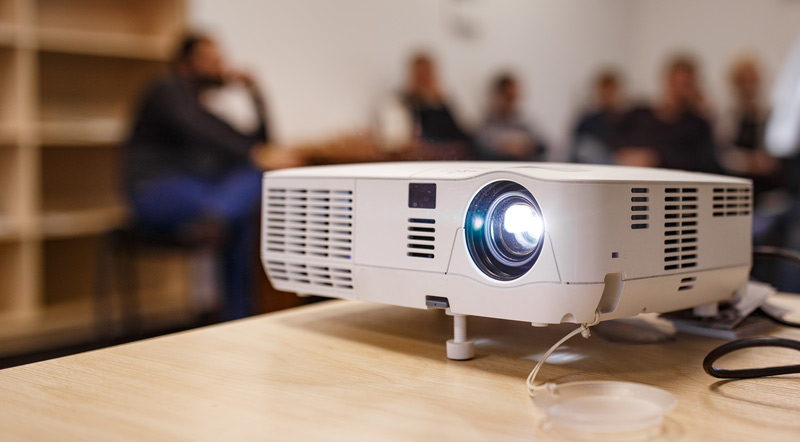
While connecting your laptop to a projector is relatively simple, not every setup is identical and issues can always arise. We created this guide to help meeting planners quickly connect their laptop and troubleshoot common audio and image problems. Just watch the video tutorial and view the text instructions below!
Steps for Connecting a Laptop to a Projector
1. Turn ON your laptop.
2. Connect the video cable (usually VGA  or HDMI
  ) from your laptop’s external video port to the projector. Depending on your laptop model, you may need an adapter to connect, for example, from the HDMI port on your laptop to the VGA port on the projector.
(Unsure what video output you have? View our laptop video connection guide.)
3. Plug in the projector into an electrical outlet and press the power  button to turn it ON.
4. If you are using VGA and need audio for your presentation, connect the laptop’s audio out  port to the projector. To use a different sound system, you will need to use an audio cable no matter what cable you use to connect the laptop and projector.
5. Your laptop should automatically detect the projector. Press the Windows key  + P to quickly switch through the different display modes. Duplicate is the most common mode and projects exactly what is shown on your laptop screen.
(Note: Depending on your computer, you may have to use a different shortcut than listed above. You can always open the display settings from the start menu.)
6. If your laptop doesn’t automatically see the projector, you may be able to go to your device’s Display Settings and prompt it to Detect displays. If your projetor still doesn’t show up, check your cables and connections.
Related Articles
- How to Connect a Mac to a Projector
- How to Connect a Laptop to a TV
- Laptop Computer Video Output Guide
- Apple MacBook Video Adapter Guide
- 6 Tips for Preventing AV Failures
- 8 Reasons to Consider Using an Outside AV Provider
- 9 Cool & Creative Ways to Use a Projector
- Questions AV Companies Should Ask
- BYO AV: You Don’t Have to Use the Hotel’s Audio Visual Company
Want more helpful event AV tips? Download our free eBook, “AV 101 for Meeting Planners and Event Professionals.”
Meeting Tomorrow provides meeting and event planners with AV and event technology services including laptop computer rental solutions, projector rental solutions, and iPad rental solutions.

The Meeting Tomorrow Team is a group of event-obsessed planners, producers, designers, creatives, and event tech experts who love bringing fresh ideas and flawless execution to every project. With decades of combined experience across planning, production, and creative, we write about the trends, tips, and behind-the-scenes know-how that help event professionals shine. Whether it’s sharing practical advice or spotlighting the people and stories that inspire us, our goal is to make planning extraordinary events easier.